


-
How Office Ergonomics Can Prevent Back Pain
Jan 20, 2025
In today’s world, where many people spend hours working at desks, back pain has become a common complaint. Poor office ergonomics can strain the spine, leading to discomfort and long-term issues. Fortunately, setting up an ergonomic workspace can prevent back pain and improve overall health. Here’s how you can create a back-friendly office environment.
1. Choose the Right Chair
A good office chair is the foundation of an ergonomic workspace. Look for one that provides:
-
Lumbar support: A chair with proper lower back support maintains the natural curve of your spine.
-
Adjustable height: Your feet should rest flat on the floor, with your thighs parallel to the ground.
-
Reclining feature: A slight recline reduces pressure on the lower back.
2. Position Your Desk and Monitor
Your desk and monitor setup plays a critical role in maintaining good posture.
-
Desk height: Your elbows should be at a 90-degree angle when typing, with your wrists straight.
-
Monitor level: Position the top of the screen at or slightly below eye level. The monitor should be about an arm’s length away.
3. Use an Ergonomic Keyboard and Mouse
A poorly placed keyboard or mouse can strain your back and shoulders.
-
Keyboard: Keep it directly in front of you, and avoid reaching forward.
-
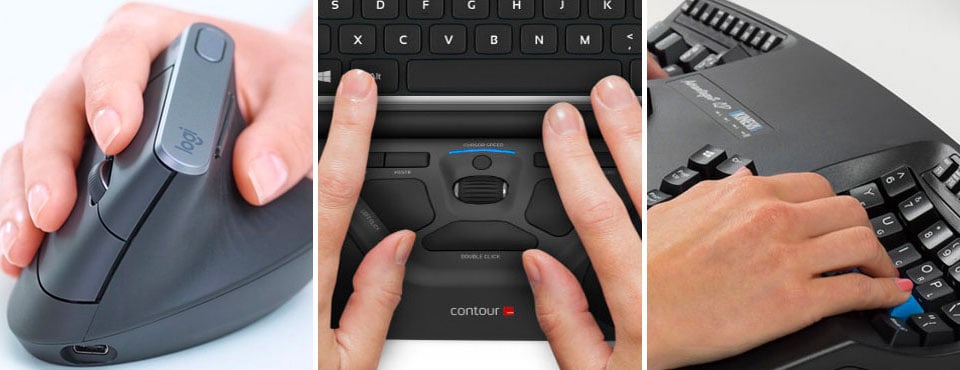
Mouse: Place it close to the keyboard to minimize reaching. Consider an ergonomic mouse for added comfort.
4. Keep Your Feet Supported
Dangling feet can lead to lower back strain. Ensure that your feet are firmly supported:
-
Use a footrest if your chair is too high for your feet to touch the floor.
-
Avoid crossing your legs, as it can misalign your spine.
5. Take Regular Breaks
Sitting for long periods can tighten muscles and put pressure on your back.
-
Stand up and stretch every 30 minutes.
-
Walk around or do light stretches to promote blood flow and relieve tension.
6. Maintain Good Posture
Slouching or leaning forward can lead to back pain over time. Keep these tips in mind:
-
Sit with your back against the chair’s backrest.
-
Keep your shoulders relaxed and your feet flat on the floor.
-
Avoid craning your neck forward to look at the screen.
7. Organize Your Workspace
A cluttered desk can force awkward movements and postures. Keep essentials within easy reach:
-
Arrange frequently used items like phones or notebooks close to you.
-
Use a document holder to avoid bending your neck to look at papers.
8. Incorporate Standing Options
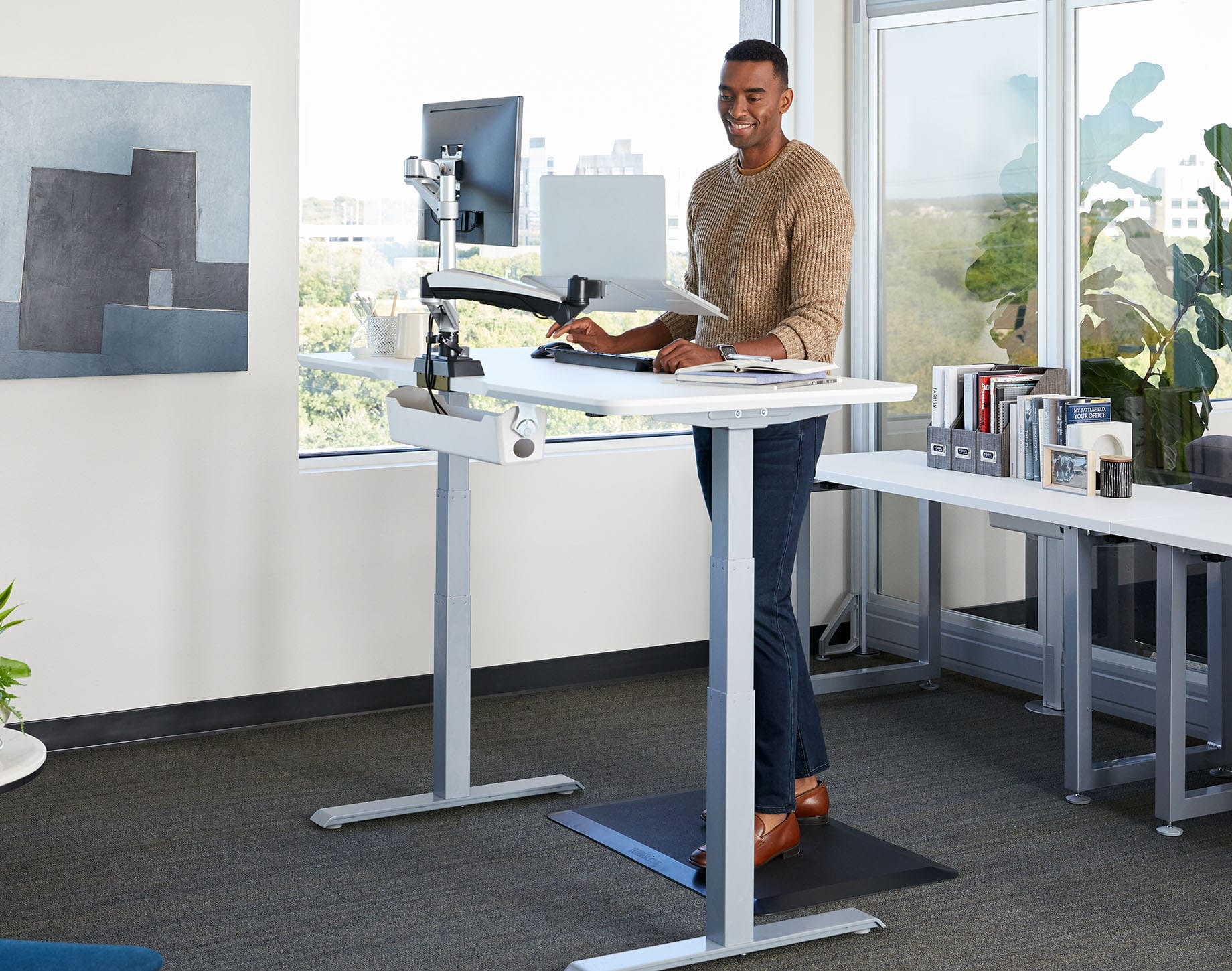
Standing desks are a great way to reduce the risks associated with prolonged sitting.
-
Alternate between sitting and standing throughout the day.
-
Ensure your standing desk is adjusted to the correct height to maintain good posture.
9. Stay Active Outside of Work
An active lifestyle supports a healthy spine and reduces the risk of back pain.
-
Engage in regular exercises like walking, swimming, or yoga.
-
Strengthen your core muscles to support your back.
Final Thoughts
Preventing back pain in the office starts with awareness and small changes to your workspace. By prioritizing ergonomics, you can protect your spine, reduce discomfort, and enhance your productivity. If you’re still experiencing back pain despite these adjustments, consider consulting a physical therapist for personalized advice.
-





Comments
- (no comments)